
The wastage widget Reprint Summary shows how many reprints each user made across a merchant’s branches. This widget used data from on-site LG Plates software uploaded during records sync to Central. All prints are recorded by the software & an entry made when a registration is printed multiple times.
Reprint Summary Widget
Compatible with on-site printed production, the Reprint Summary widget shows costly waste reprints made by specific users. A reprint is recorded by the software when a Registration Number is printed 3 Times or more. As a merchant level tool this widget extracts sync information from all branch locations & their users.
Video Screengrab
Image Screengrab
The Reprint Summary uses data from all branches under a merchant, only the duration can be filtered.
Bar Chart
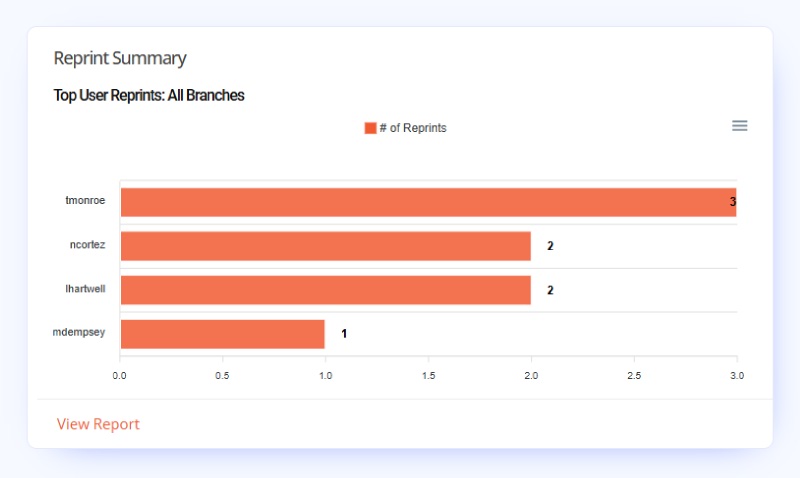
On-site software data is used to populate the Reprint Summary bar chart, as shown above. The chart shows segments for the highest scoring 5 users, with bar length determined by the number of multiple reprints. Each bar can be interacted with to find precise totals.
By default our plates software records every time it prints a number plate, that data is included on sync’s to Tennants Central.
Graph Key
The graph key uses names as options to highlight or isolate specific users. Hovering over a name, will cause the others bars to fade from view. While clicking a name instead, will darken and slightly enlarge that bar. Unclick selected keys & segments to reset the chart.
Note: The graph key on Reprint Summary is currently broken, showing no useful options.
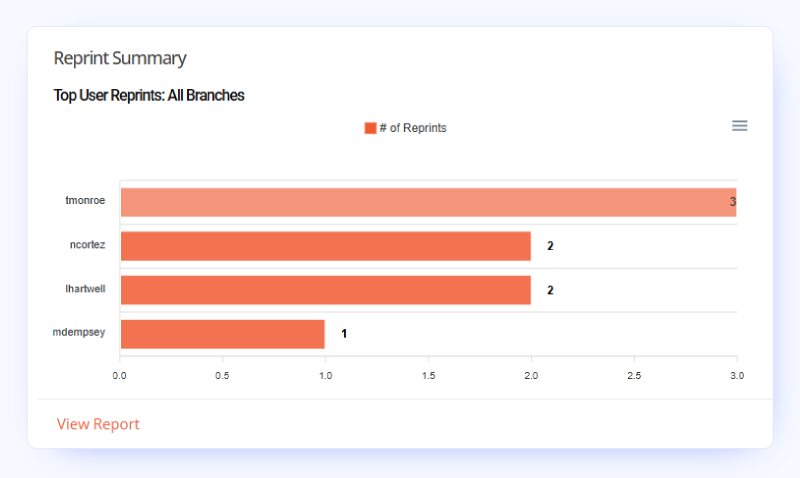
Chart Segments & Tooltips
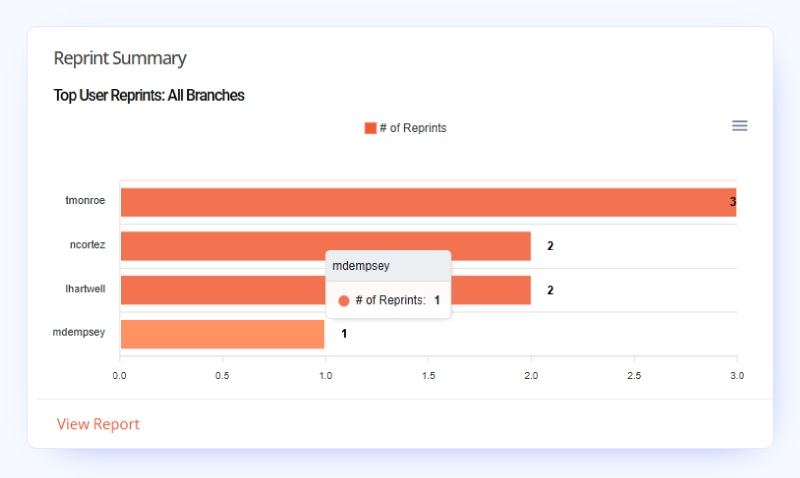
Hovering over each users bar on the chart highlights it and a popup provides a tooltip displaying the total number of reprints. Clicking a bar will just darken it for easier viewing, simply re-click the bar again to reset the chart.
Report
At the bottom of the widget is the Report Link. The shortcut links to the Reprint Summary Report, which has data on each registration reprinted, the number of prints and shows the user responsible.
Click the link to view the full report page.
