
The security widget Last Sync provides an instant view of your on-site systems syncing frequency. This allows managers to check their RNPS records are being backed up & enables plate production monitoring.
LG Plates has a sync facility with Tennants Central, offering suppliers secure storage of your number plate records & print data.
Last Sync Widget
Compatible with printed production, the Last Sync widget indicates syncing frequency for all branches. This widget has a Pie Chart using your data to indicate whether your records are being backed-up. As a merchant level tool this widget extracts sync information from all its branch locations.
Video Screengrab
Image Screengrab
The chart uses percentage values to show the frequency of your on-site software’s syncing your RNPS Records.
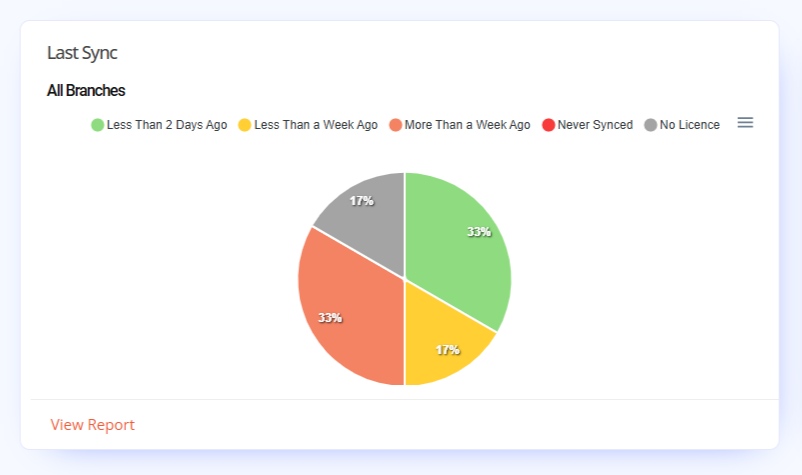
Pie Chart
Data from your plate software’s synced records is used to produce this widgets pie chart. By default the software will sync every time it prints a number plate. Otherwise a manual Sync Now option can be found under Tools on LG Plates file menu.
Chart Segments range as follows:
- No Licence Key
- Less than 2 Days Ago
- Less than a Week Ago
- More than a Week Ago
- Never Synced
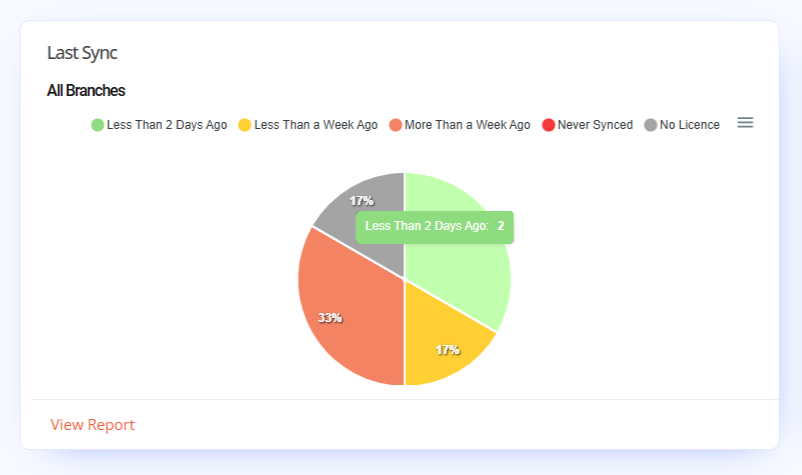
The tooltips indicate how many branches share that timeframe status. Branches with No Licence or Never Synced need checking, since they’re not syncing with Central.
Graph Key
The graph key uses timeframes as options to highlight specific locations. Hovering over an option, will cause other to fade from view. While clicking an option instead, will remove that selection from view. Unclick the options to reset the chart.
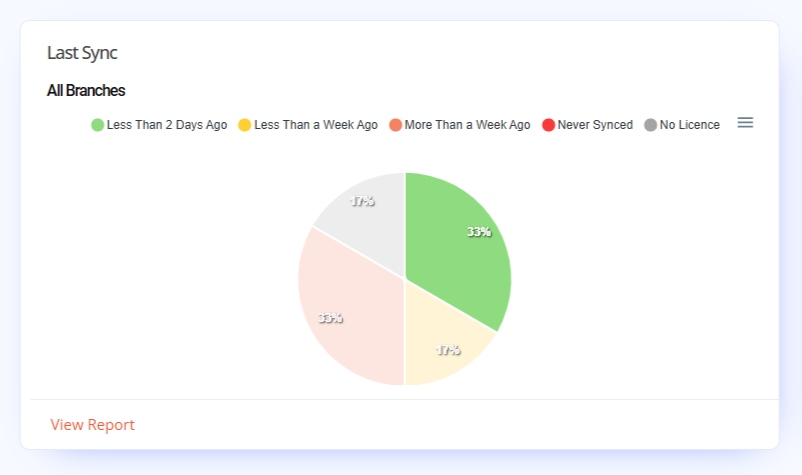
Chart Segments & Tooltips
Hovering over a segment on the pie chart highlights it & provides a tooltip displaying how many branches are effected. While clicking a segment will just darken it for easy viewing. The tooltip shows the frequency status & number how many branches it covers.
Report
At the bottom of the widget is the Report Link. The shortcut links to the Licences Report, which has data on your software licence keys, locations & sync-frequency. This report is one of the Organisation Reports found on the main nav.
Click it to view the full report page, there’s no Time Range filter for this report.
