
This is a quick guide to how to Login to Spindle: our customer portal for number plate customers. Spindle accounts are only accessible on being approved after registering your interest online.
Login to Spindle
To Login to Spindle, enter your email address and password in the fields then click the Login Button. On first-use, accounts will use the same email credentials set during the registration process. On login you’ll be taken to the dashboard page, from there use the top navigation links to move around.
Not all menu items shown in this article will be visible top all users, access depends on the account type.
Login Video
This quick video shows how to Login to Spindle, recover from a lost password and how to register for an account.
Pre-registration and approval is vital since the platform uses account profiles for Spindle’s services. Only components compatible with your on-site printing system will be displayed and only your invoices and statements will be available.
Read the following sections for more features linked to login & account access.
Password Recovery/Reset
If you have forgot your password, use the link next to the login button and enter the accounts email address then click the continue button. The email you enter must match the portals record of your account or the password recovery attempt will fail.
Follow the on-screen instructions, to recover account access.

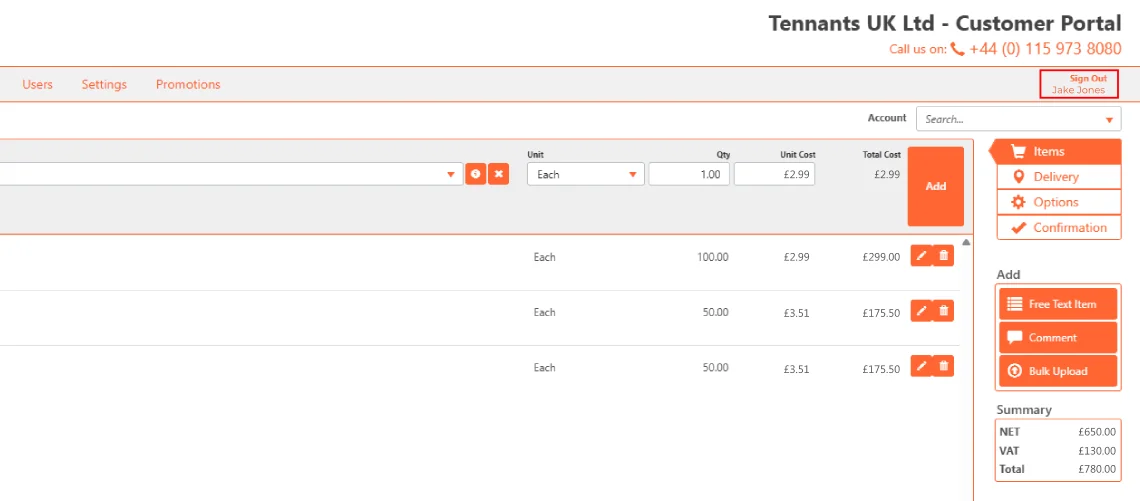
Account Registering
To get a Spindle account, you will need to be an active Tennants number plate customer using our printing systems and components.
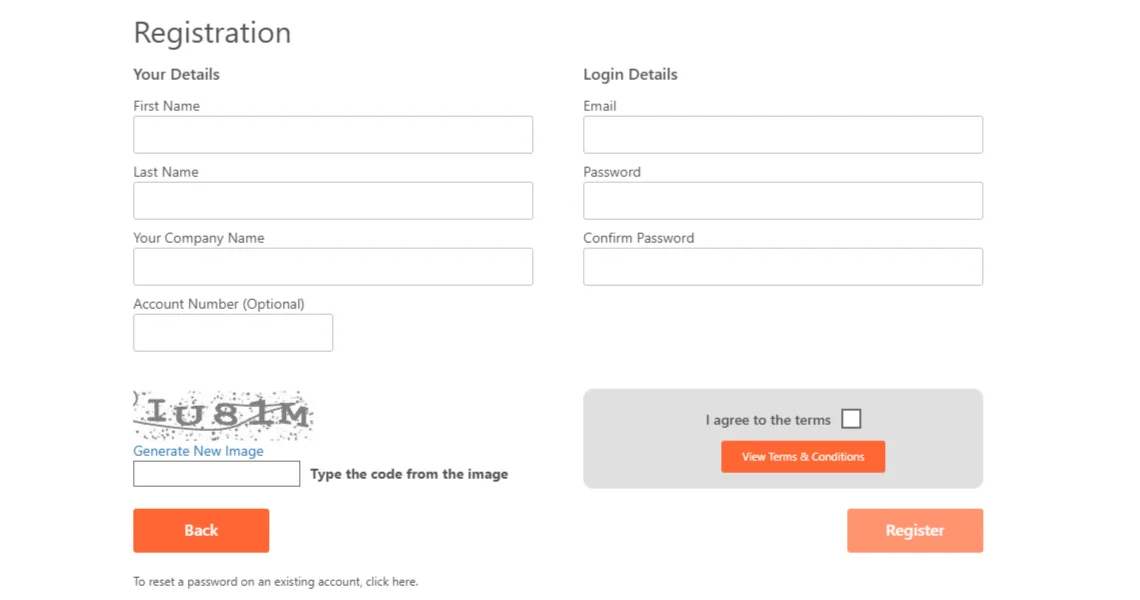
If your company’s eligible, you can register an account on the login-page. Simply use the “Click here to Register” link and complete the form fields covering the user and login details as shown above. To prevent misuse, the portal uses a reCAPTCHA test and users must agree to the Terms & Conditions by ticking the checkbox before they can register.
User Guides
For more details of Spindle’s features or easy to follow user-guides, see the other articles in this Spindle series. For information on our other online apps and plate-builders take a look at our number plate software page.
The next article covers the Spindle Dashboard which provides a quick overview of your recent account activity.